Website Pages
To access your site pages:
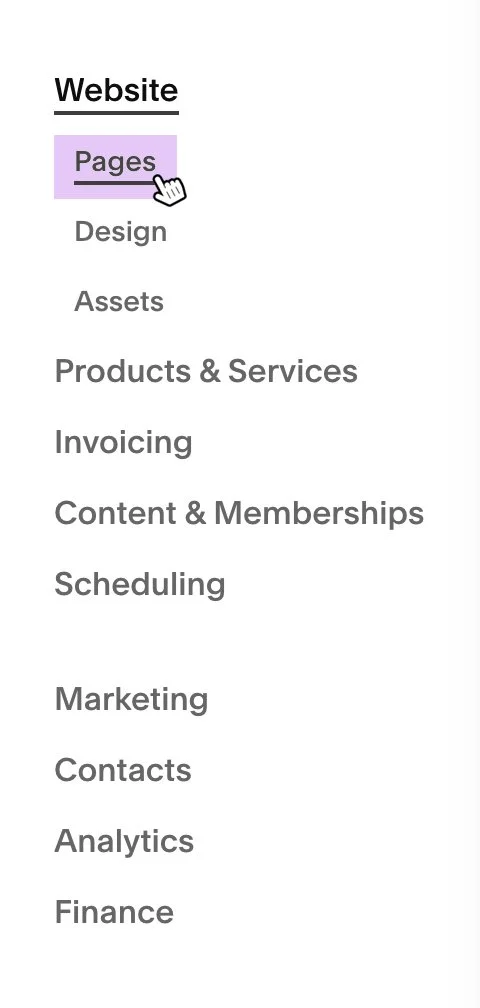
1. Select your website from the Squarespace site list, then open Pages from the site navigation menu.
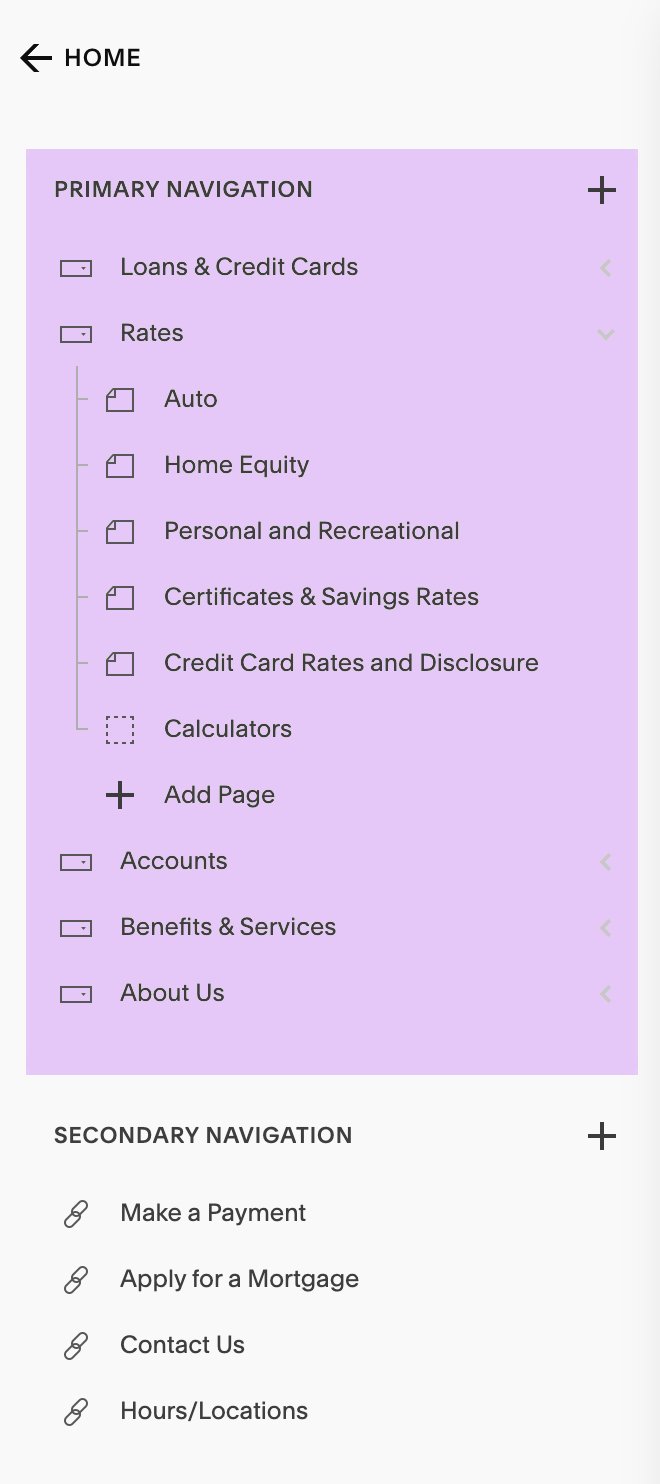
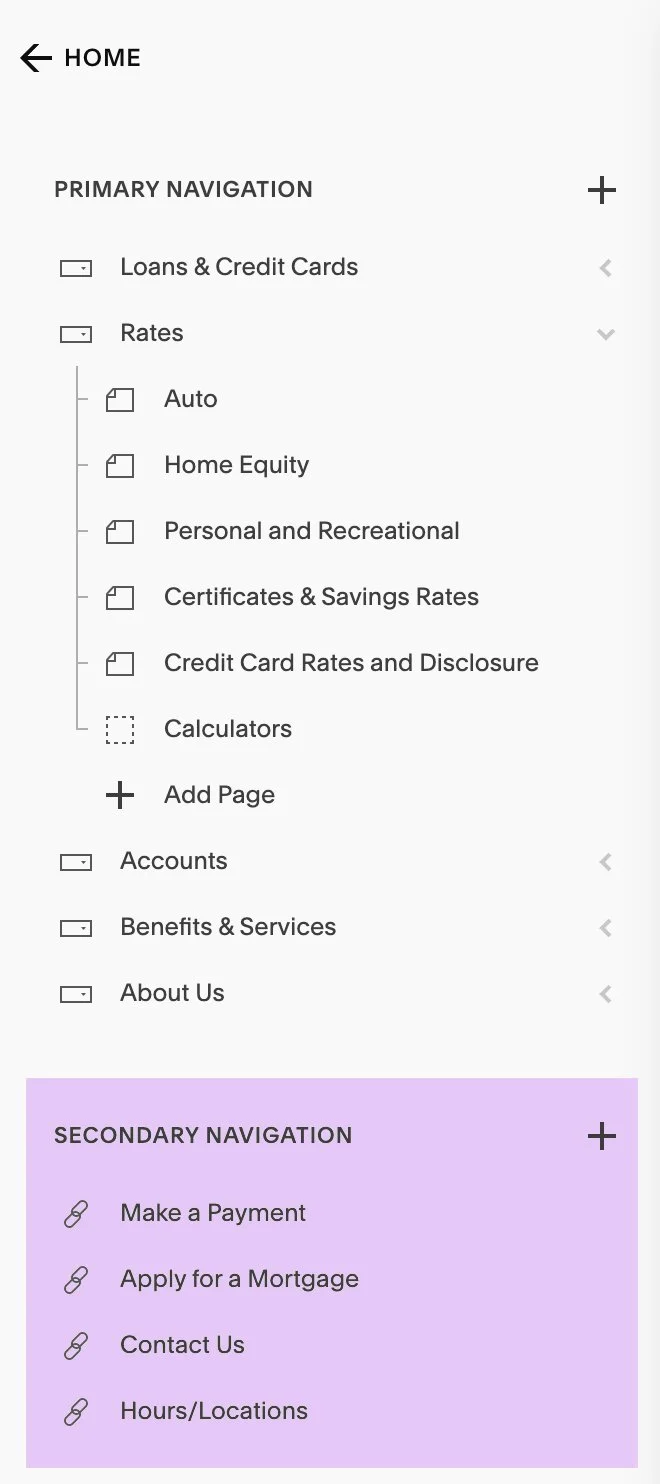
2. At the top of the Pages panel, you will see Primary Navigation. This section contains your main list of pages, including individual pages and folders (drop-down menus). Any page or folder listed here appears in the main navigation of your website.
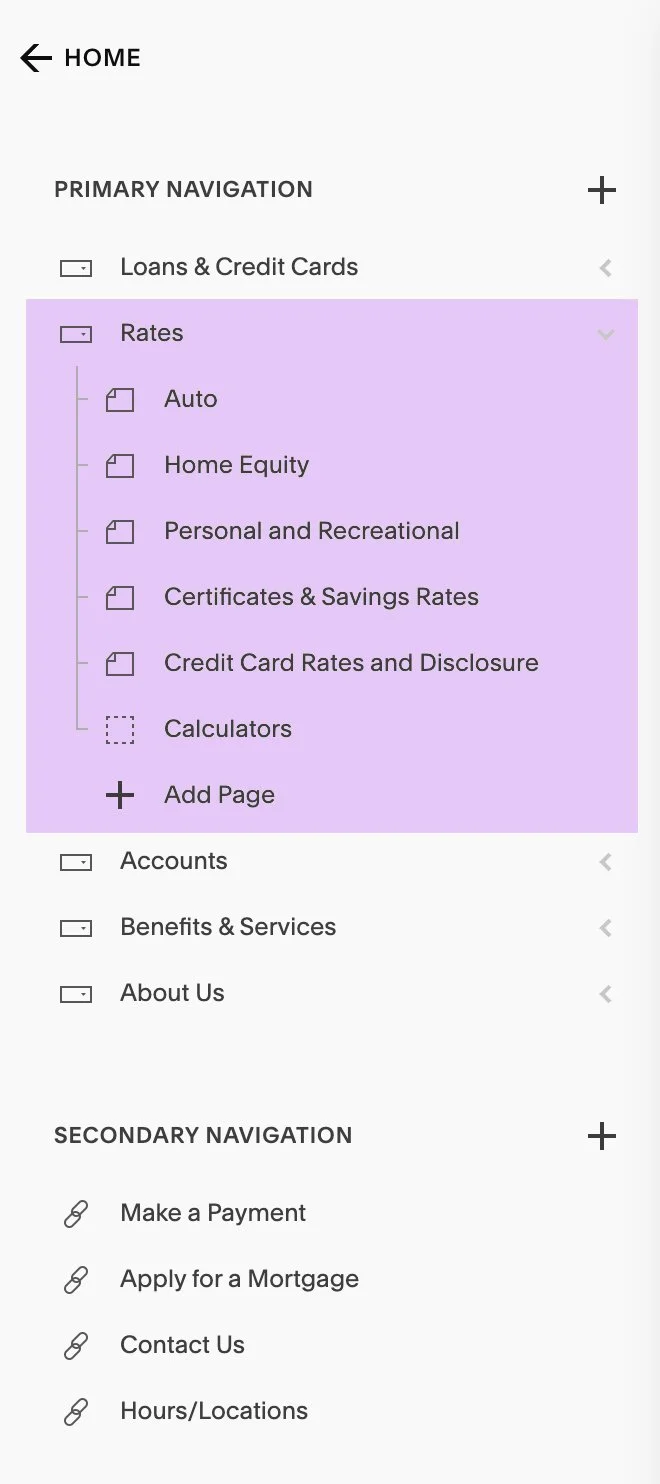

3. If your site includes additional navigation links outside of the main navigation, they will appear under Secondary Navigation.

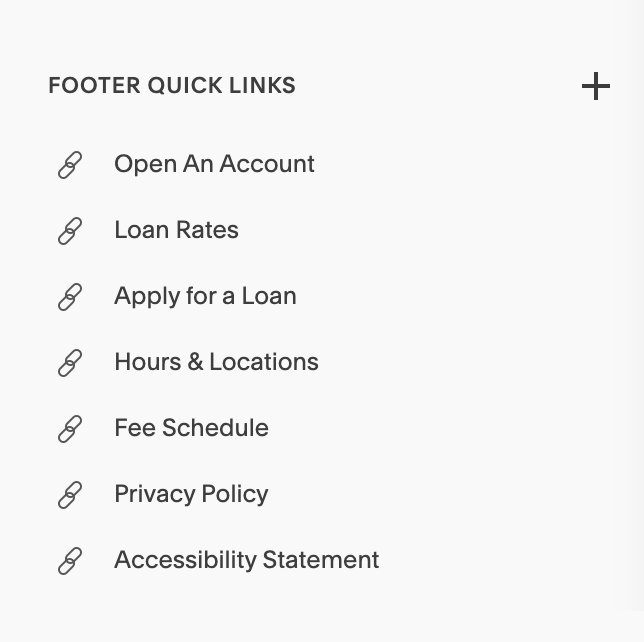
4. If your website includes links in the footer, those pages will be listed under Footer Navigation or Footer Quick Links.
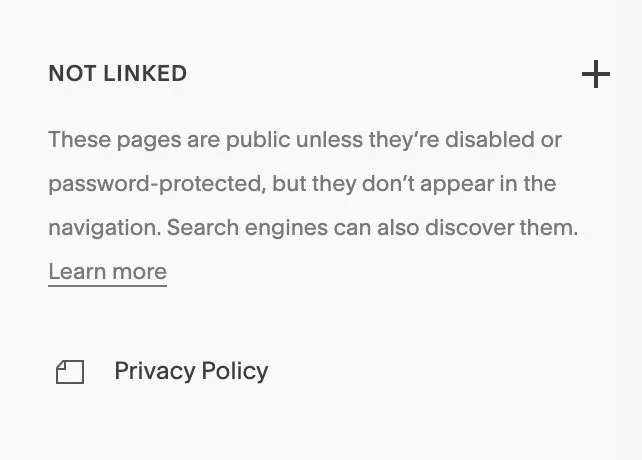
5. Near the bottom of the Pages panel, you will find a section labeled Not Linked. Pages stored here are not included in any site navigation and are not visible to users unless they have the direct page URL.
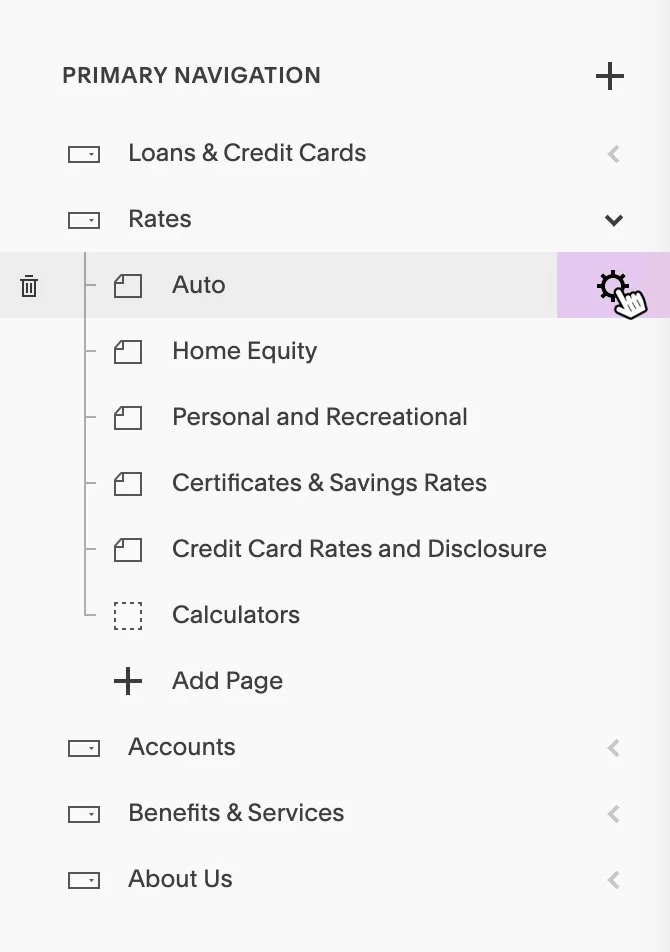
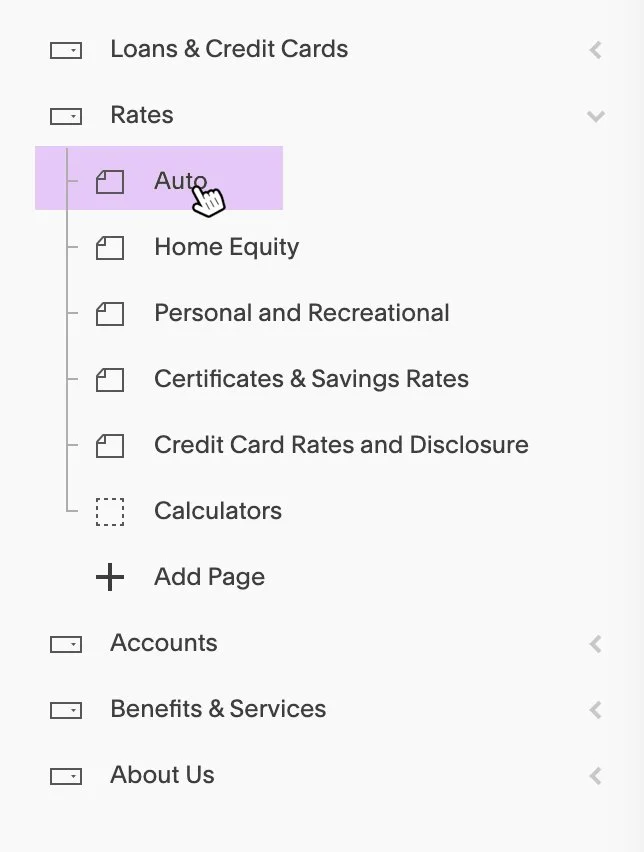
6. To edit a page’s content, select the page title from the Pages list.
7. To edit a page’s settings, open Page Settings for the selected page (represented by a gear icon).