Add/Remove Users
To Add/Remove Users:
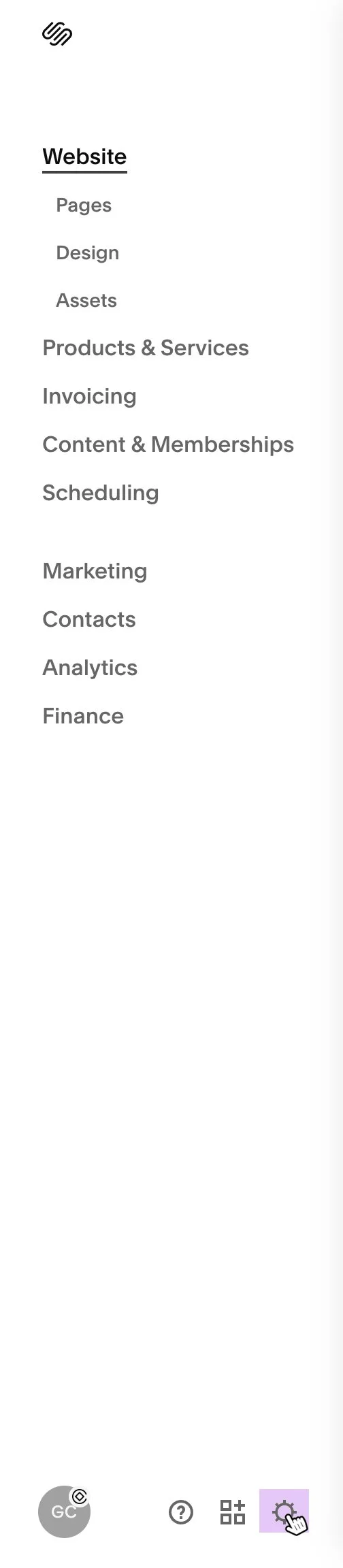
1. Select your website from the site list, then open Site Settings for that site.
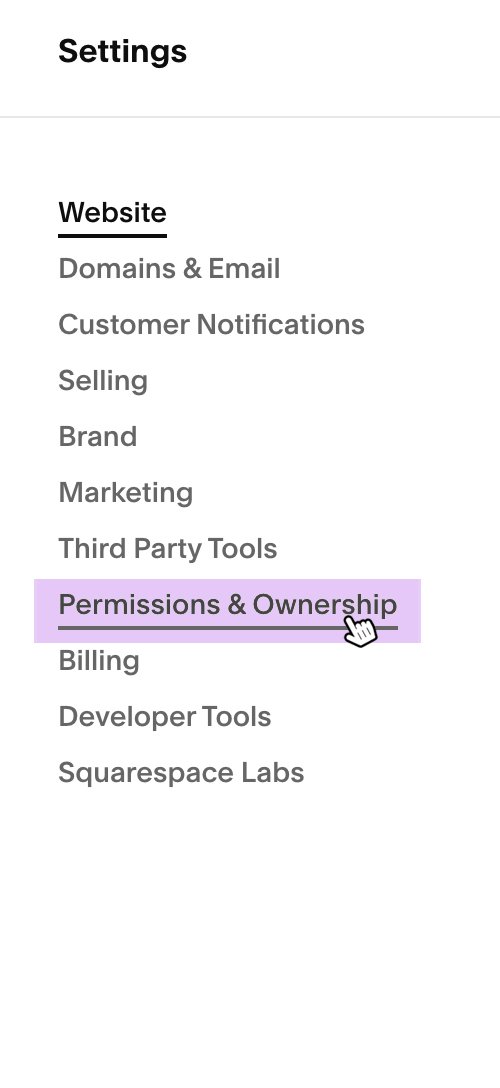
2. In Site Settings, select Permissions & Ownership
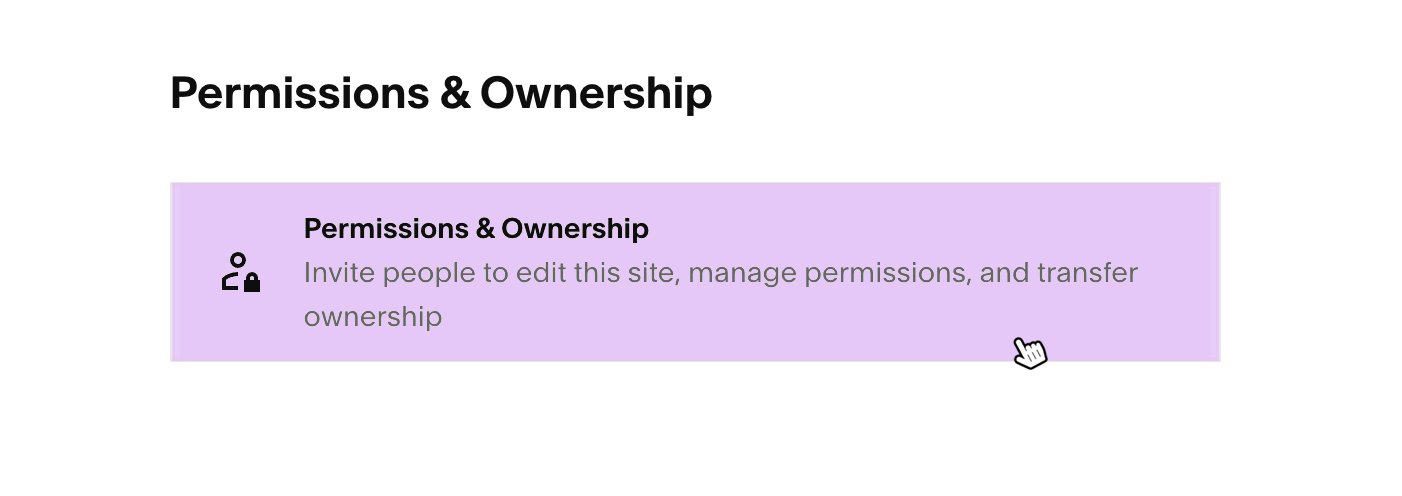
3. Open the Permissions & Ownership settings panel.
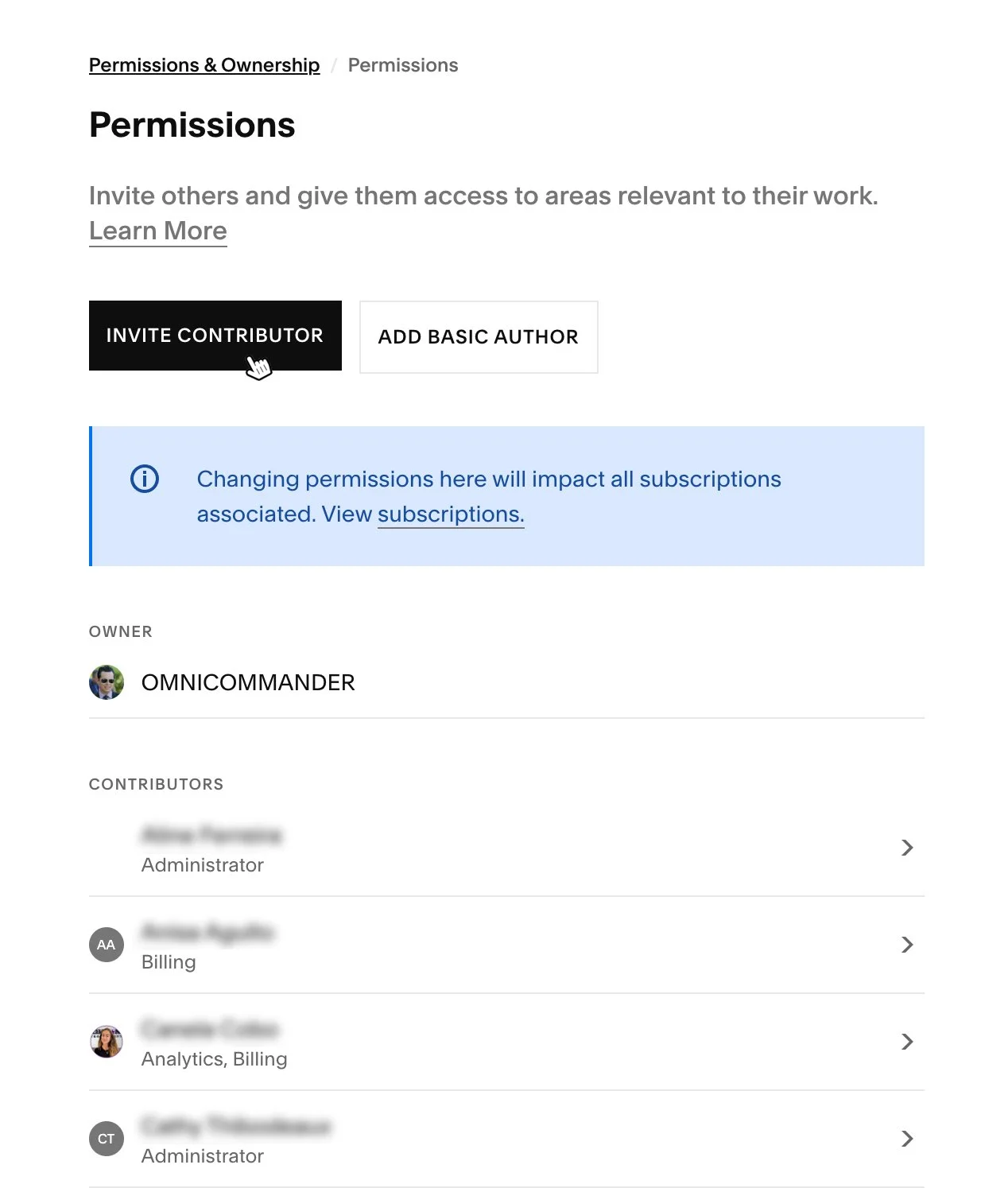
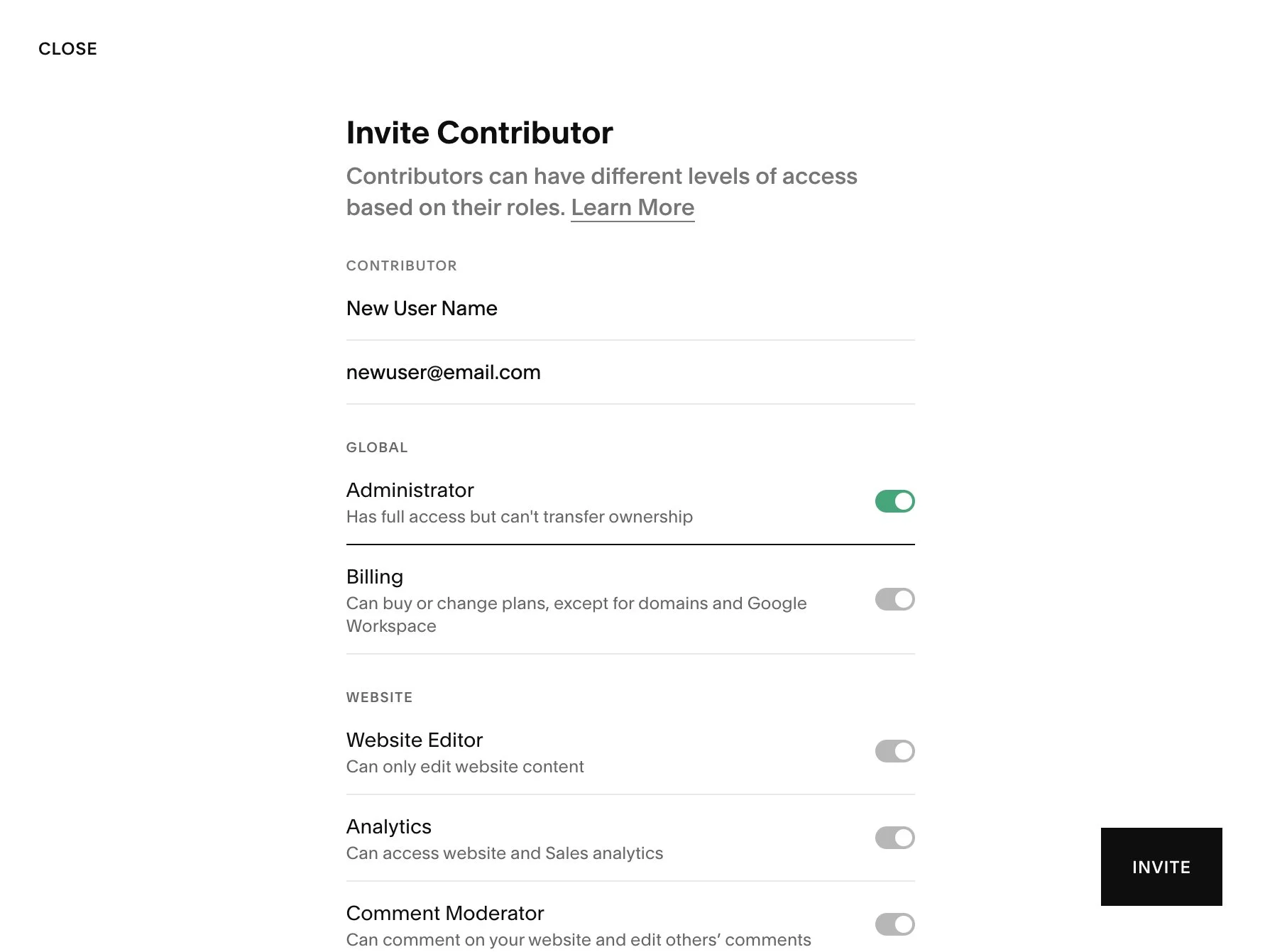
4. To add a new user, select Invite Contributor.
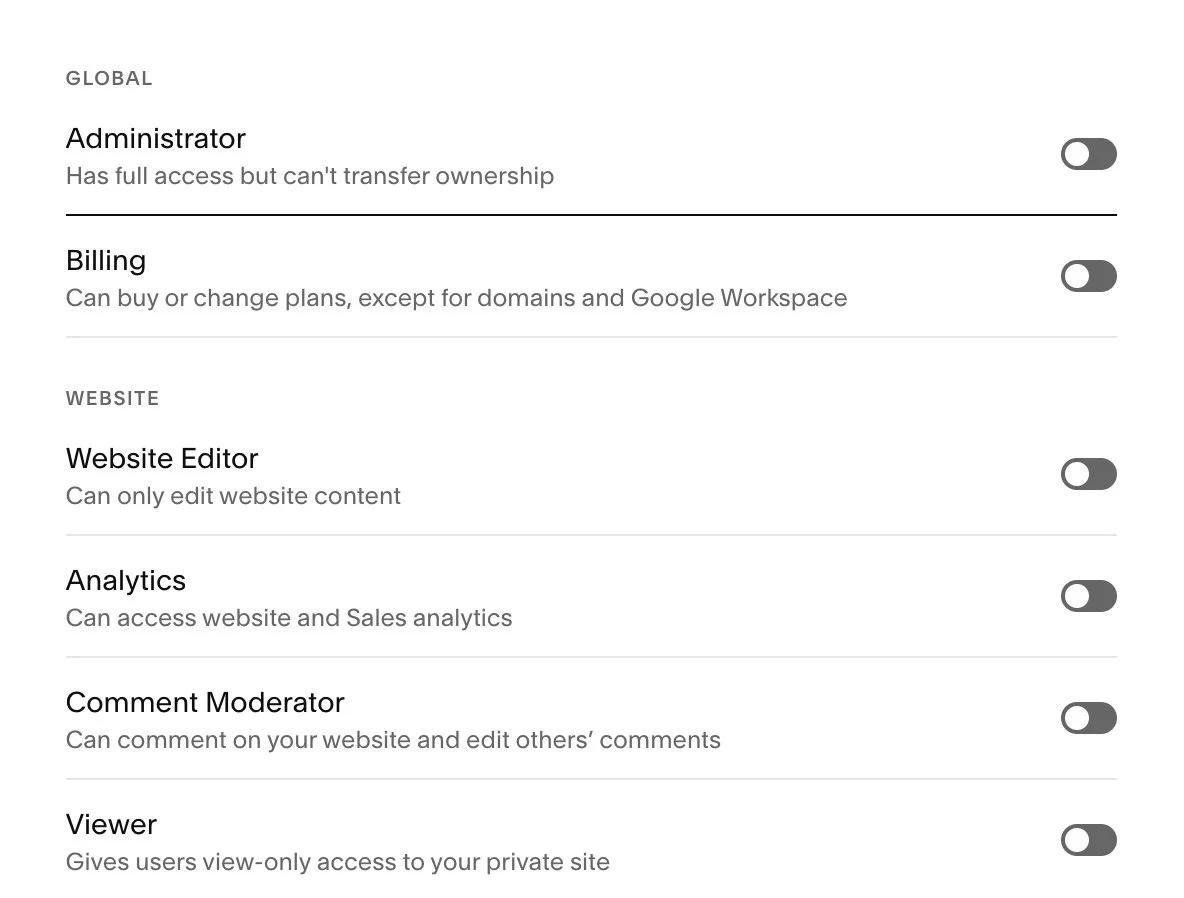
5. Enter the new user’s name and email address, choose the appropriate permission level, then select Invite to send the invitation.
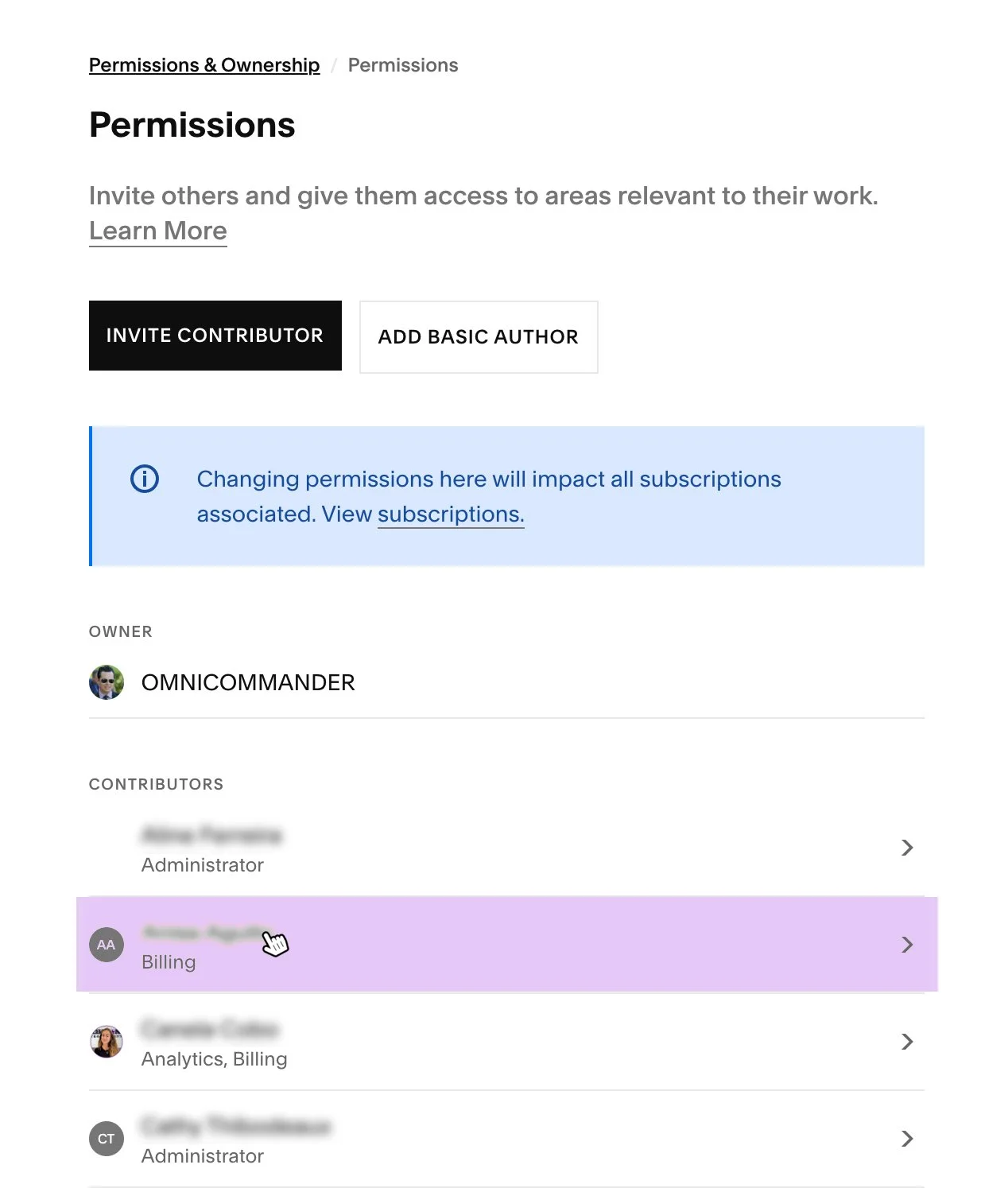
6. To edit or remove an existing user, select the user’s name from the list of contributors.
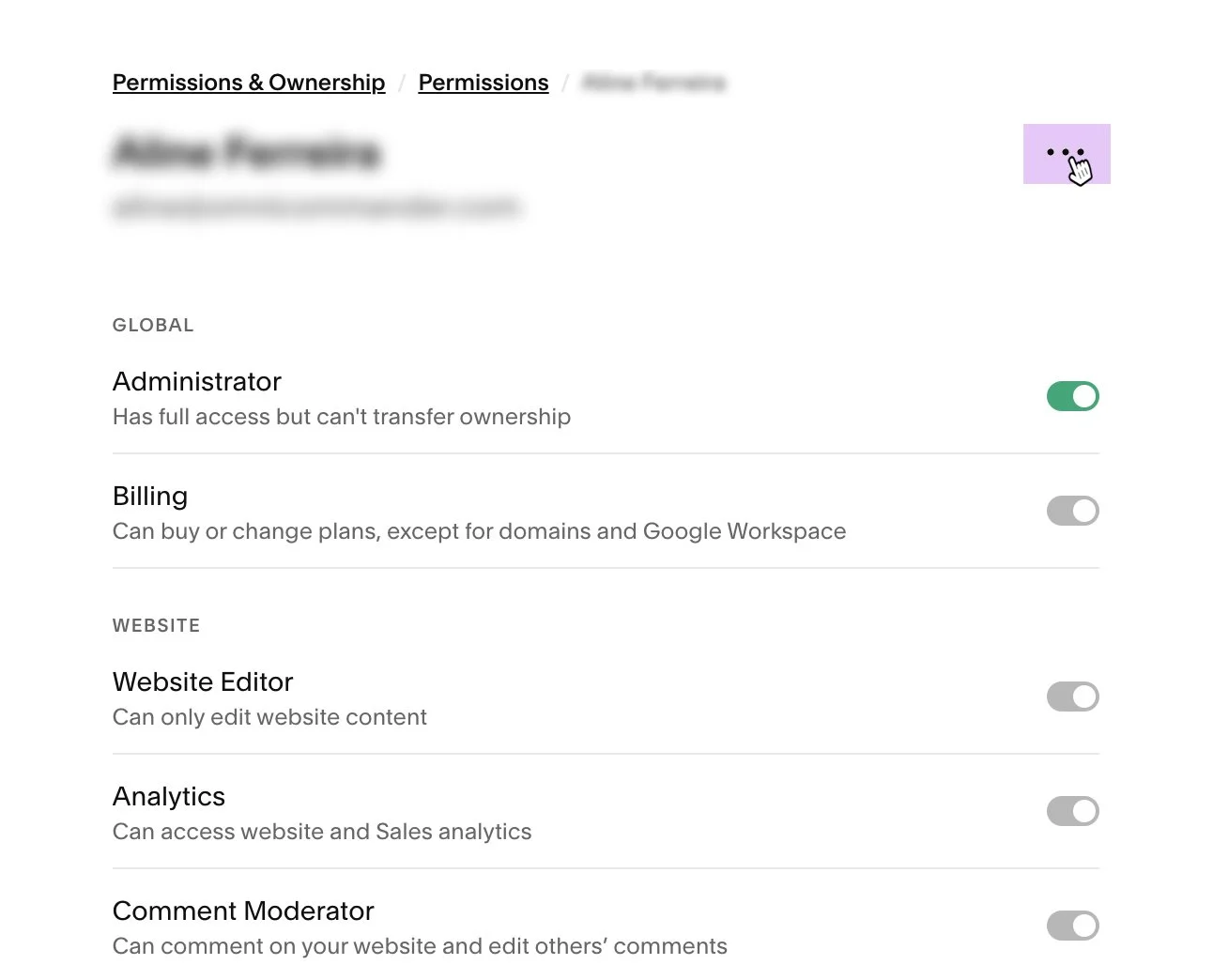
7. Open the User Options menu for that contributor.
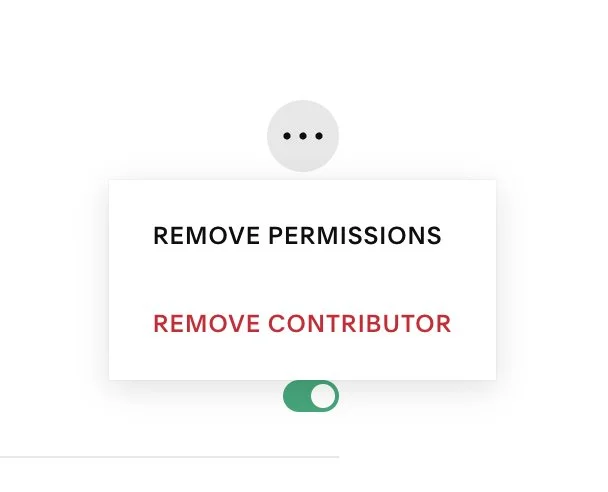
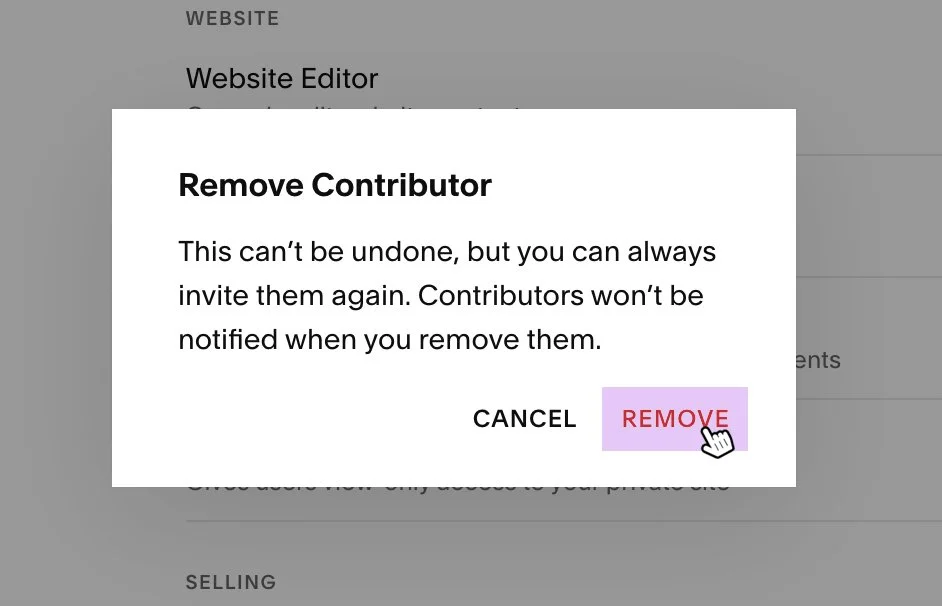
8. Choose Remove Permissions or Remove Contributor, depending on the action you want to take.
9. Confirm the removal when prompted.
10. To update a user’s permissions, adjust the available permission settings as needed.
11. When finished, select Save to apply your changes.