Announcement Bar
To update your Announcement Bar:
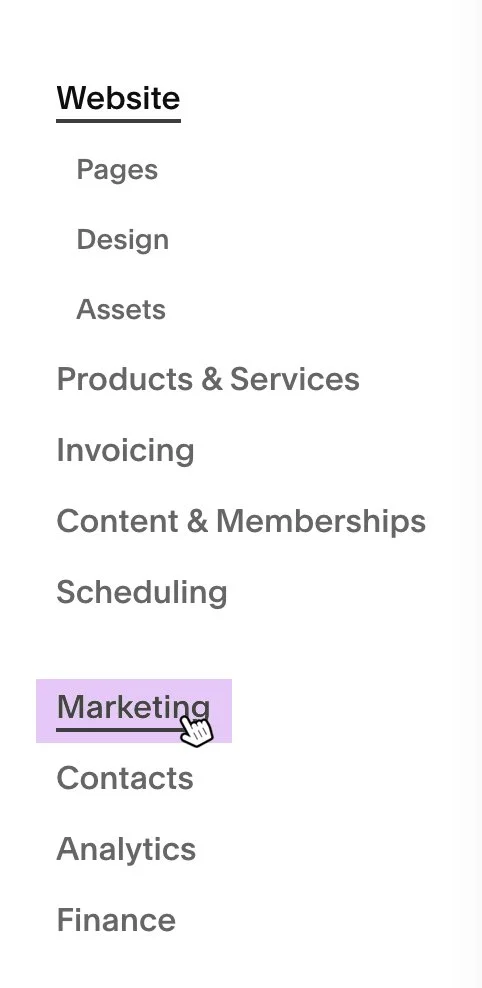
1. Open the CMS main menu and select Marketing.
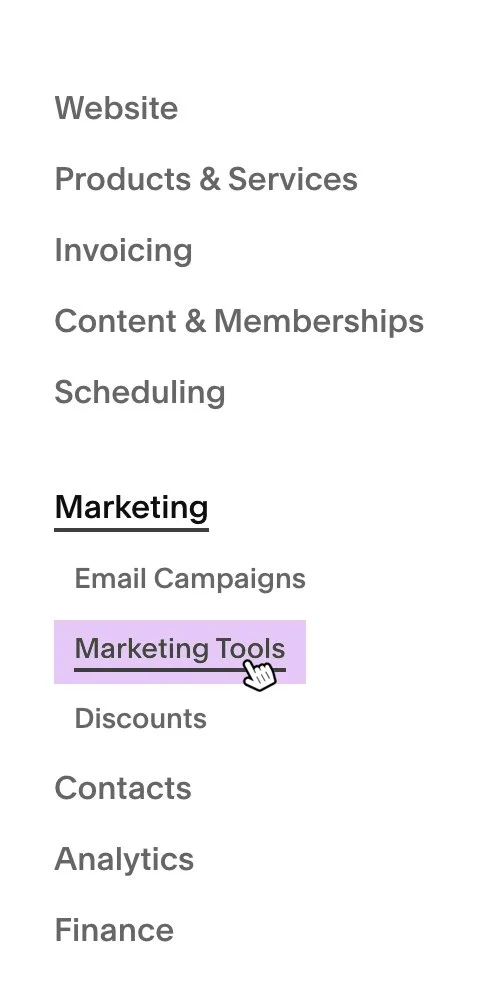
2. Within the Marketing section, open Marketing Tools.
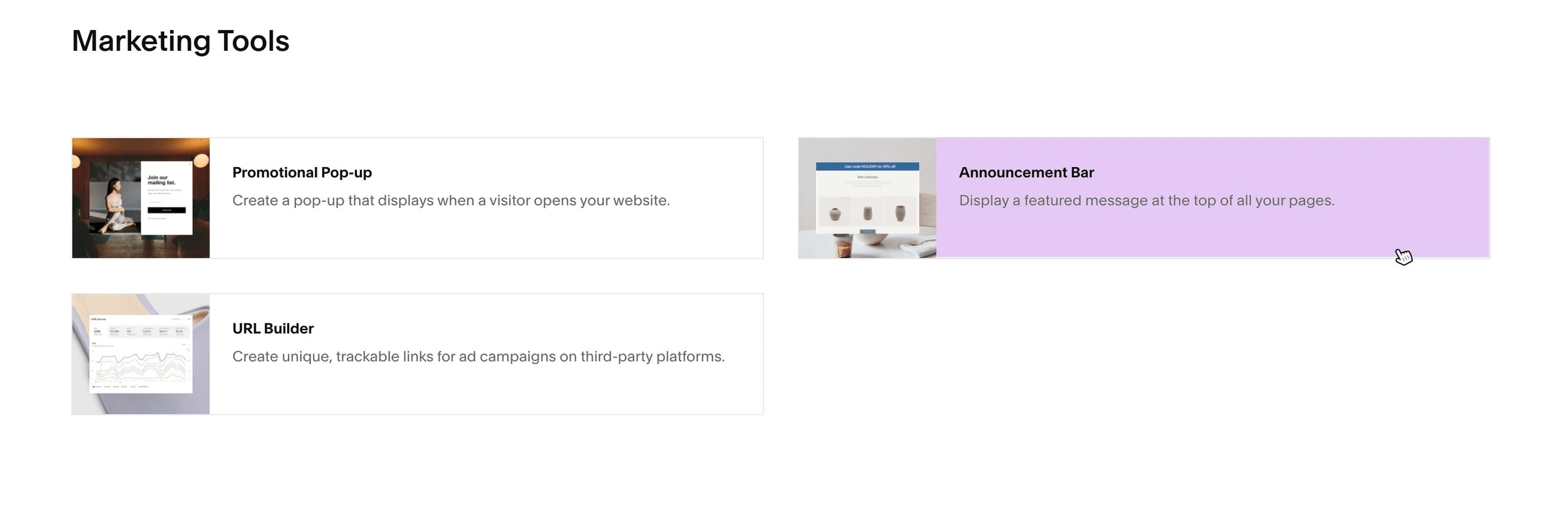
3. Select Announcement Bar from the list of available tools.
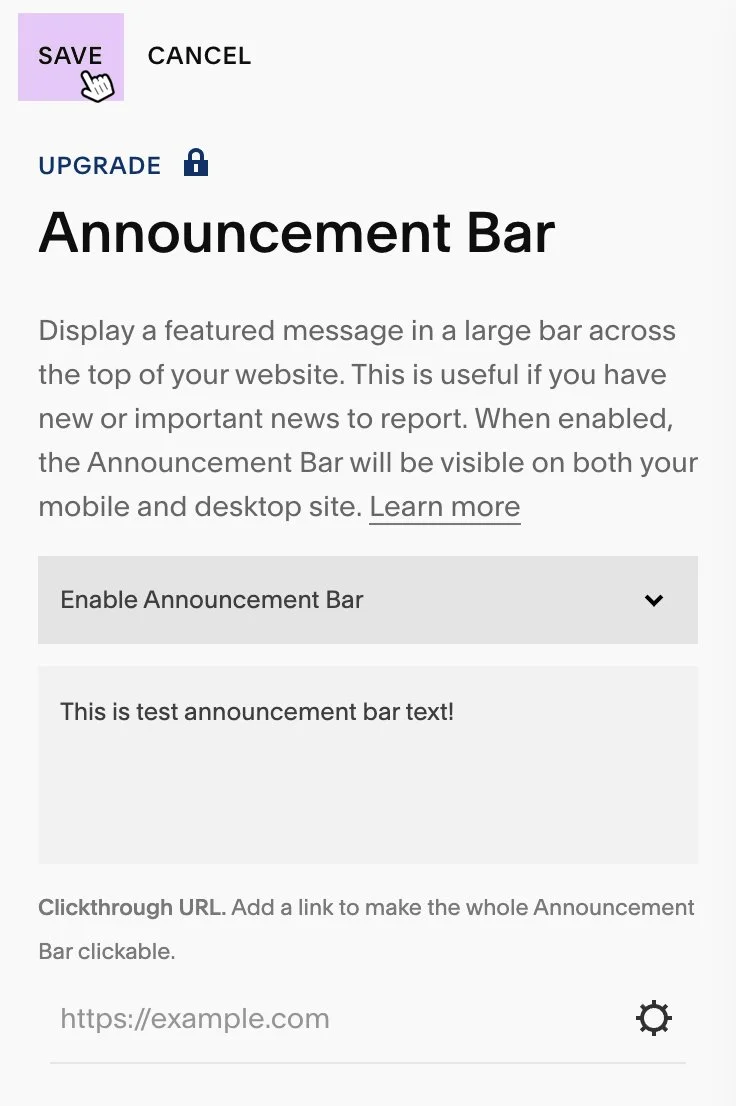
4. In the Announcement Bar settings, you can:
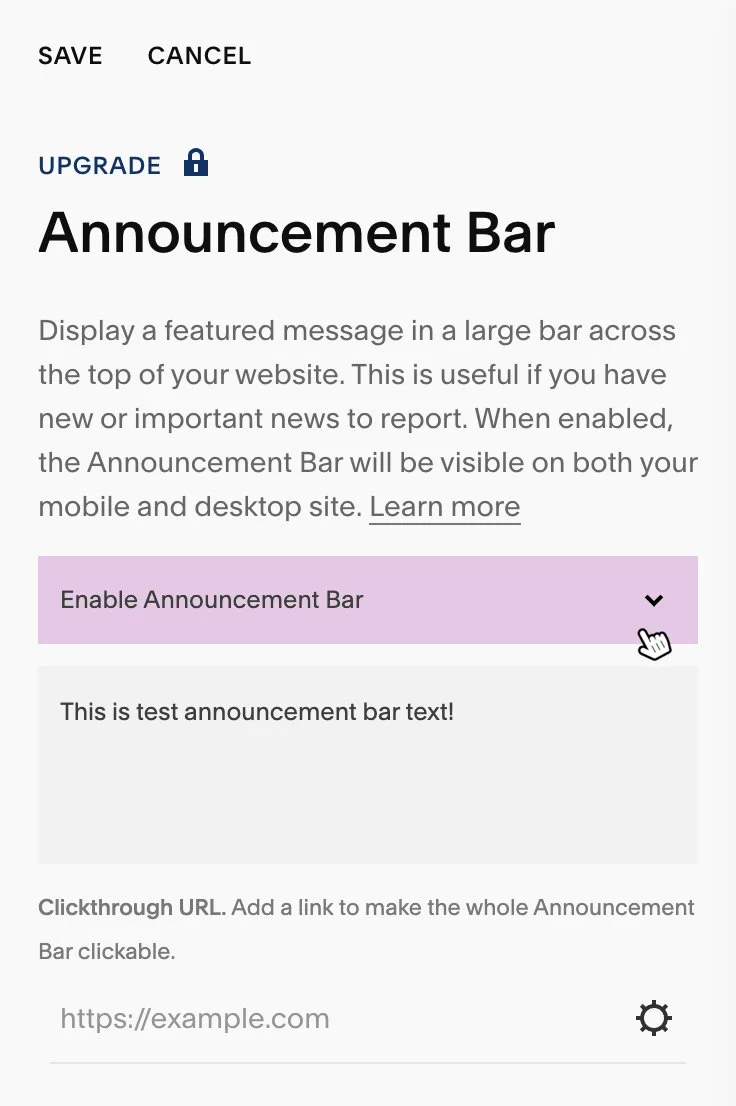
Enable or disable the Announcement Bar
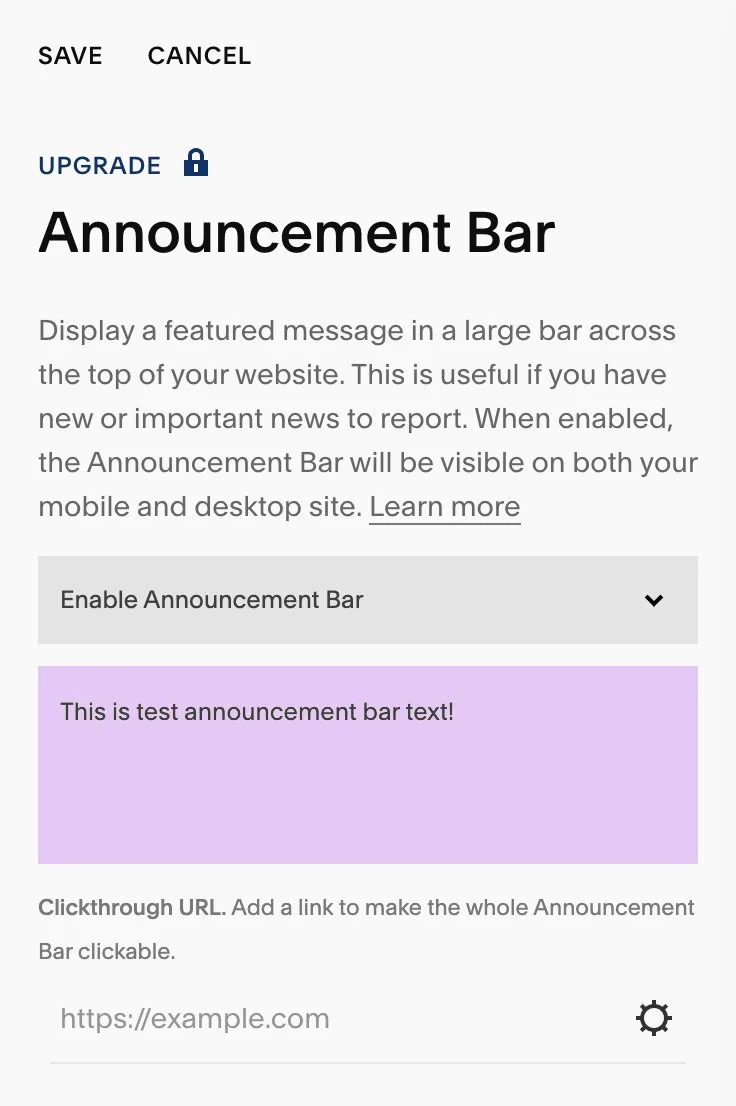
Add or update the Announcement Bar text
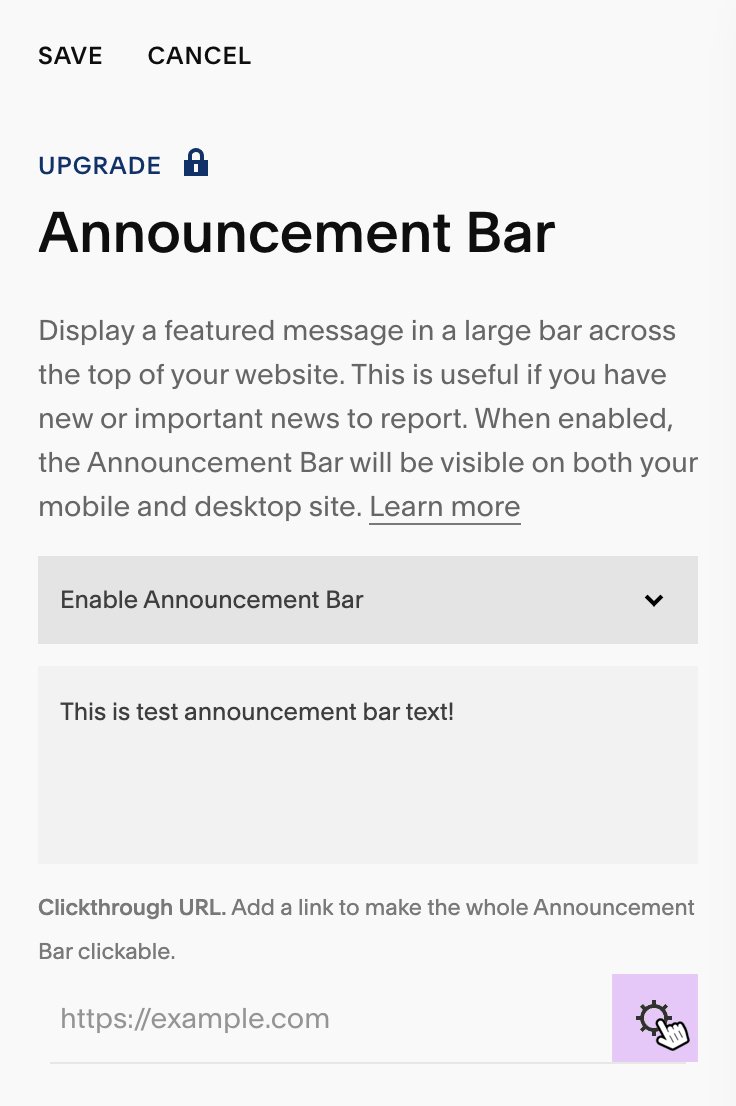
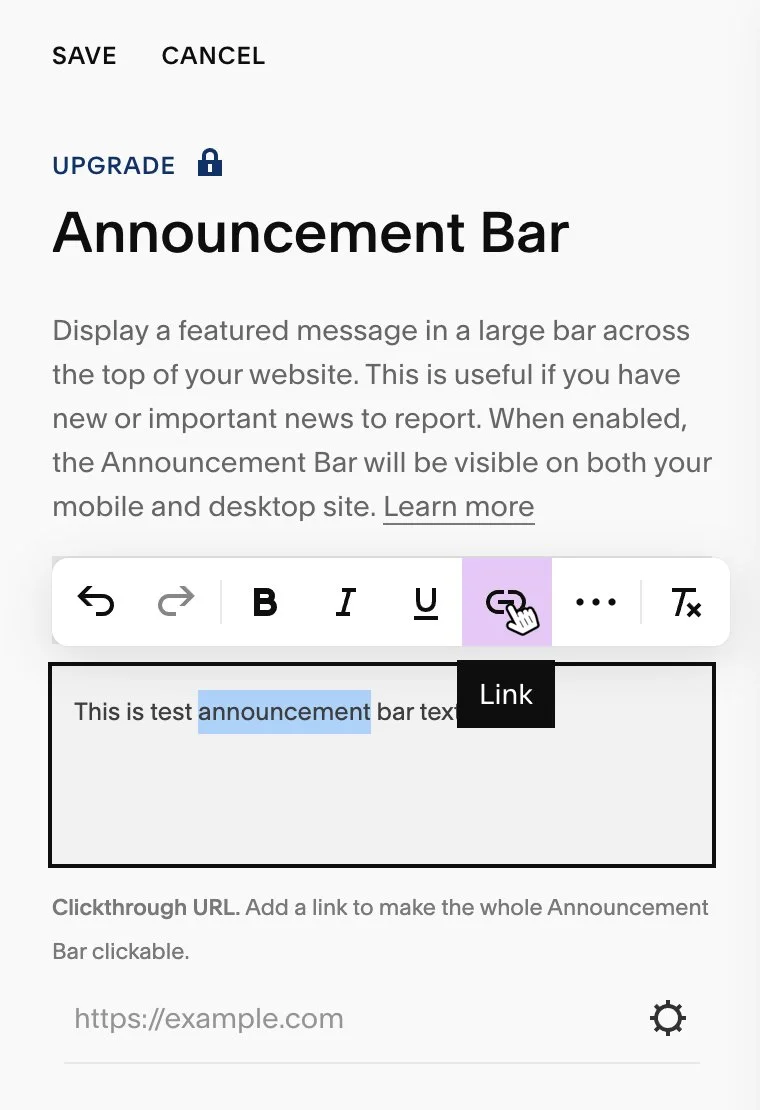
Add links to specific words or phrases, or apply a single link to the entire Announcement Bar
5. When you are finished, select Save to apply your changes.